Permissions
Description
- This section is all about Permissions Management.
- Following figures will help you to understand all the components in this page.
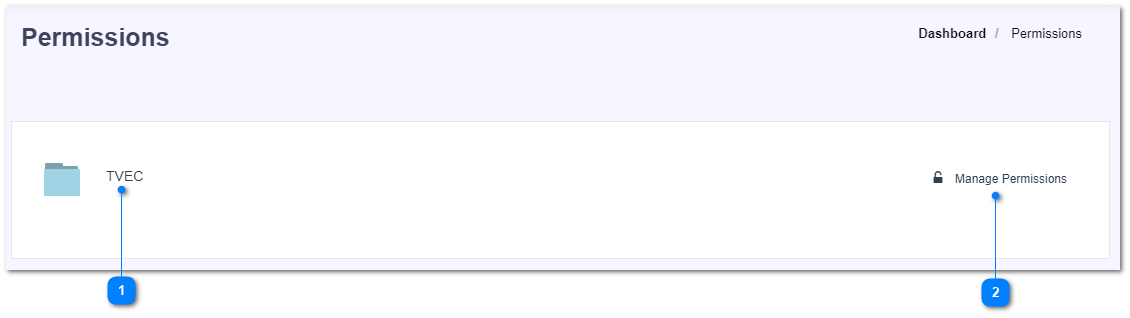
- Click on the organization name to manage permissions of the nodes inside that organization.
- Click on Manage Permissions button to change the permissions. Following pop-up would be shown.
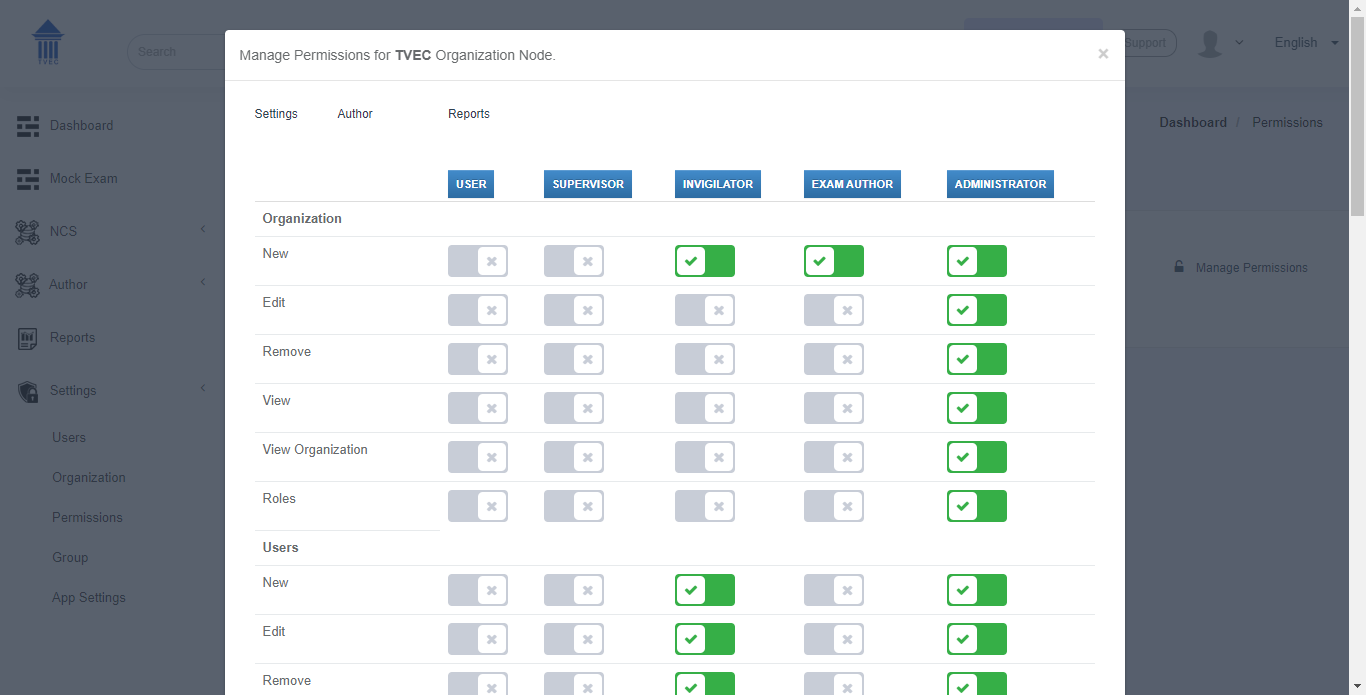
- In this pop-up, switch between the tabs of settings, author, and reports to manage the permissions through out the whole organization for different user roles.