Groups
Description
- This section is all about managing groups inside the organization.
- Following figure will help you to understand all the components in this page.
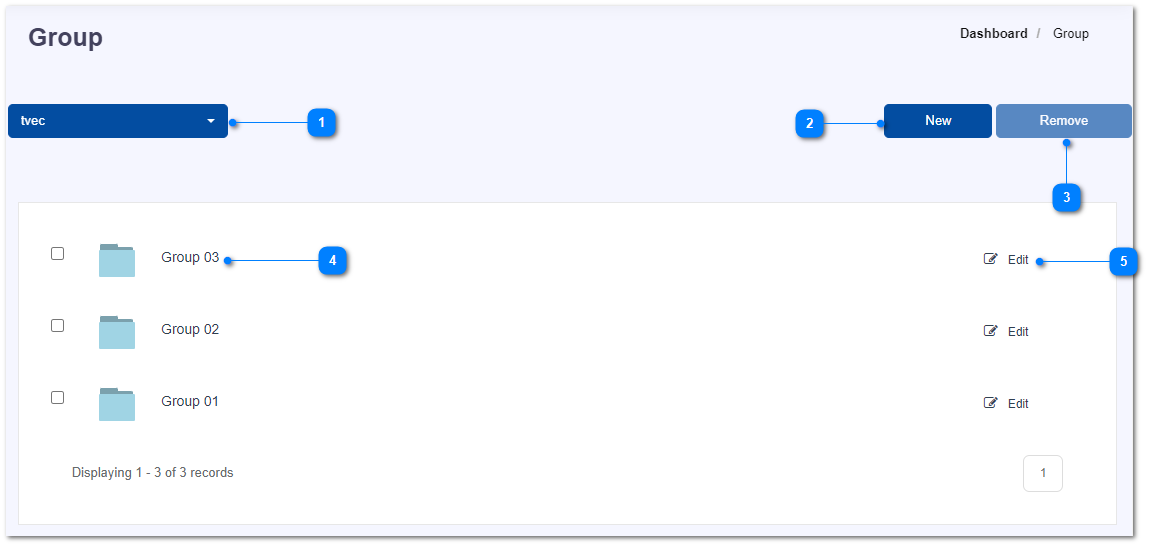
- Change the selected organization.
- Add new group.
- Mark a check-box in-front of a group which you want to remove and click on Remove button.
- Click on a group name to go to the next page where you can add or remove users in the group.
- Click on Edit button of a group to update the group name.