Manage Organization
Description
- This section is all about managing nodes inside an organization.
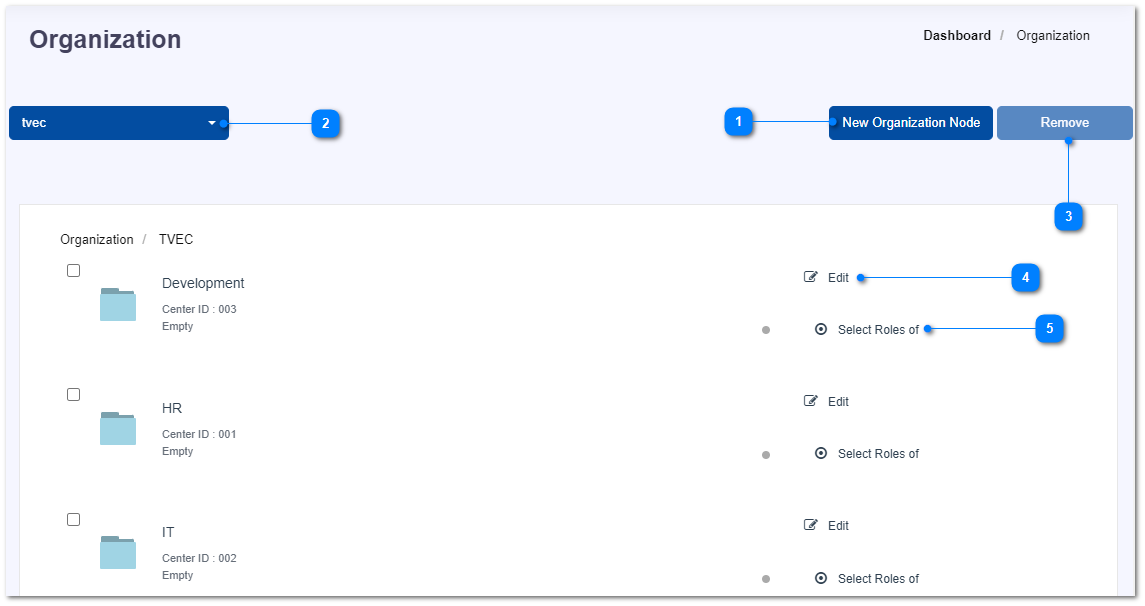
- Add new node into this organization.
- Change the selected organization.
- Mark the check-box in-front of a node which you want to remove from the system and click the Remove button.
- Click on the Edit button in-front of a node and update the details of that.
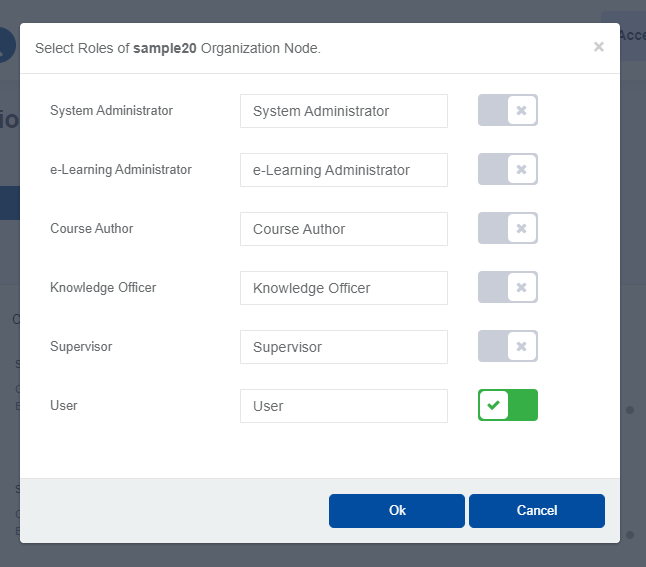
- Click on Select Roles button to change the roles which were allowed in each node.