Organization
Description
- This section is all about Organization Management.
- All the following functionalities can be performed in this page.
- Manage couple of organizations at one place.
- Manage nodes inside an organization.
- Add new organization node
- Edit or remove a node
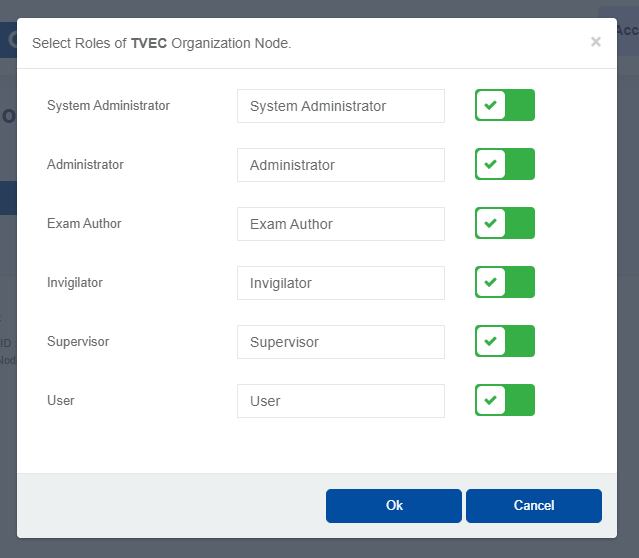
- Select roles allowed inside a node
- Select overall roles that are allowed inside an organization.
- Following figure will help you to understand all the components in this page.
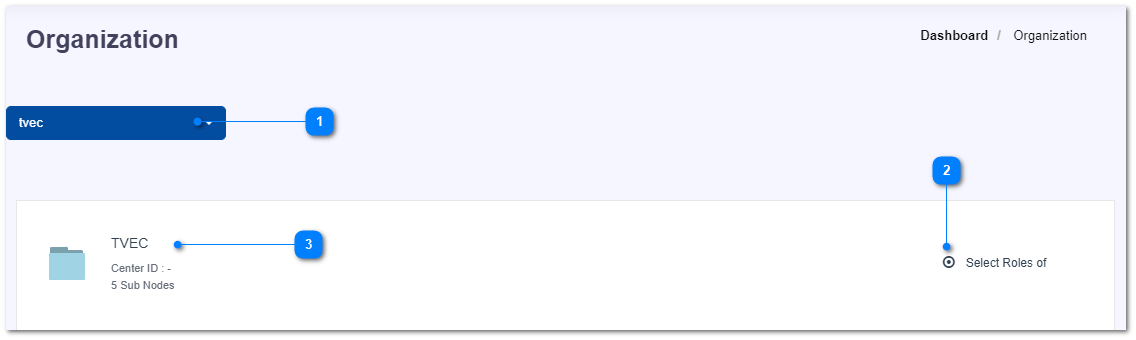
- Select an organization from the drop-down list.
- Select the roles that are allowed inside the selected organization.
- Click on an organization name to manage the nodes inside that organization. (Go to the page of Manage Organization)