Create New User
Description
- The process of creating a new user is allowed to the system admins.
- Admins can create new users and assign them roles to manage the system.
- In this guide, we will walk you through the steps involved in creating a new user.
Steps
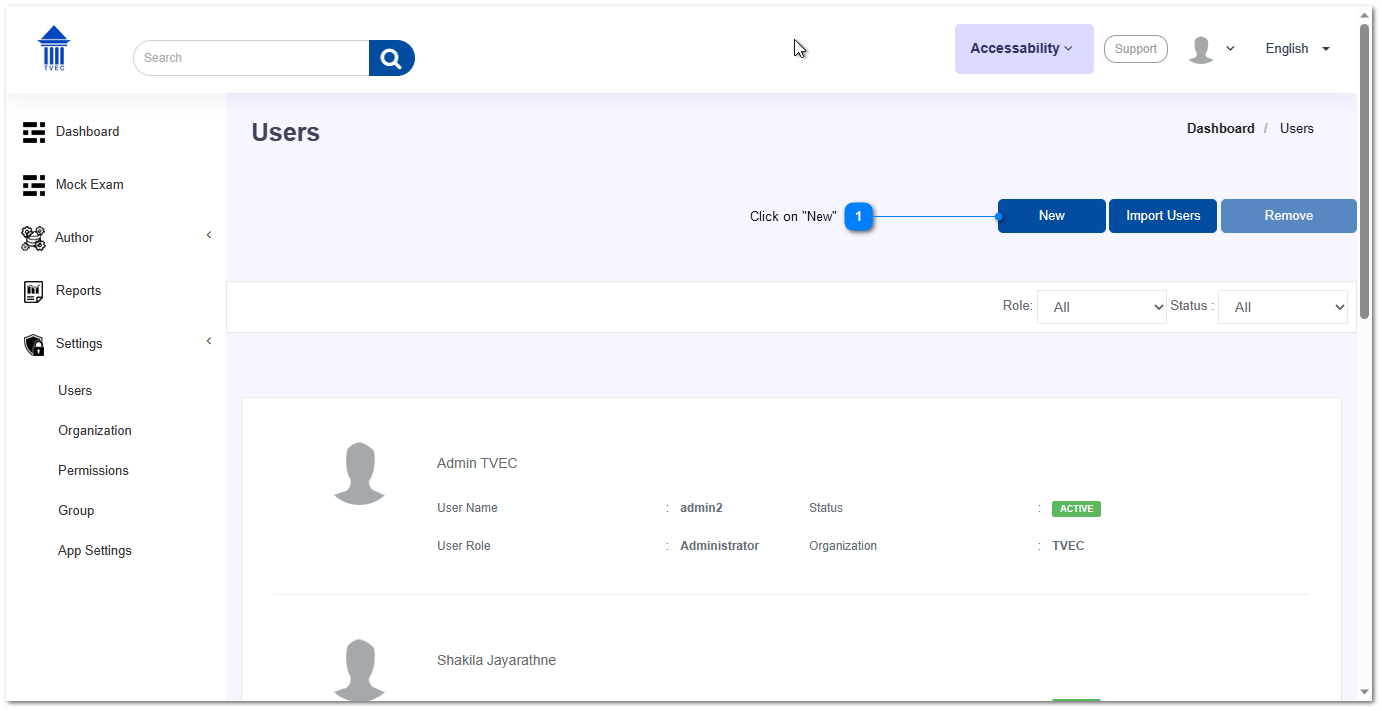
- Click on "New" button to create a new user.
- In the "New User" pop-up, enter all the relevant details.
Step 01: Filling the general information
- First name, last name
- Employee ID
Enter the unique employee ID and based on that the username will be generated. That username should be used by the new user to login to the system later on.
- Organization
- Assigned role & designation
By default, the assigned role for a new user would be "User". Other than that, you can assign any other role like Supervisor, Invigilator, Exam Author etc.
- User active duration
Here you can select until which day the new user will be active.
Step 02: Filling Personal Information
In this section, optionally you can enter the personal information of that user as well.
- Date of birth
- Address
- Contact number
- Personal identification
- If you have entered some personal information related to that user, you can then create the new user by clicking on Create button.