App Settings
Description
- In this page as the system admin, you can control all the settings of the application.
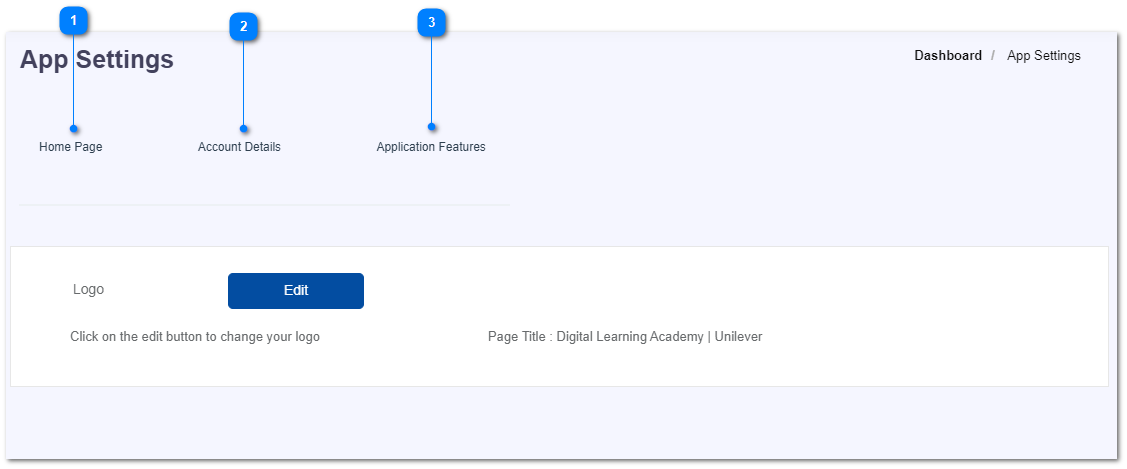
- There are 3 sections in app settings.
- Home page
- Change the logo.
- Account details
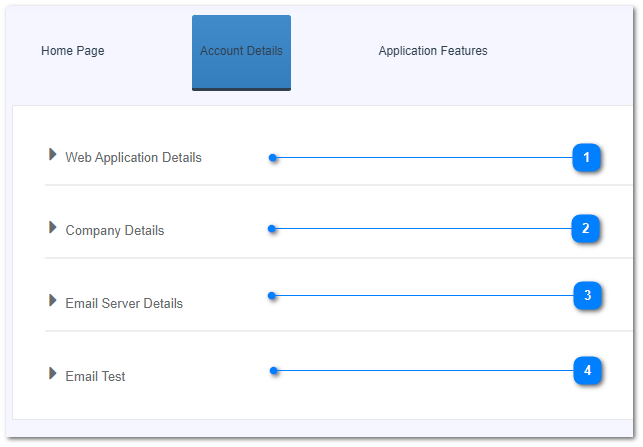
- Web application details
- organization, web address
- Company details
- name, address, email, contact numbers
- Email server details
- SMTP server configurations
- Email test
- Application features
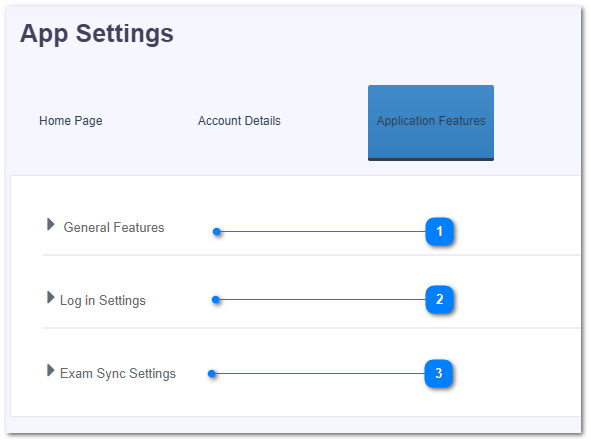
- General features
- Accessibility settings, SMS enabling, setting default password, password age, etc.
- Login settings
- User name method, changing password complexity
- Exam sync settings