Organization
Description
- In this section, you can manage the organization.
- Following figures will help you to understand all the components in this page.
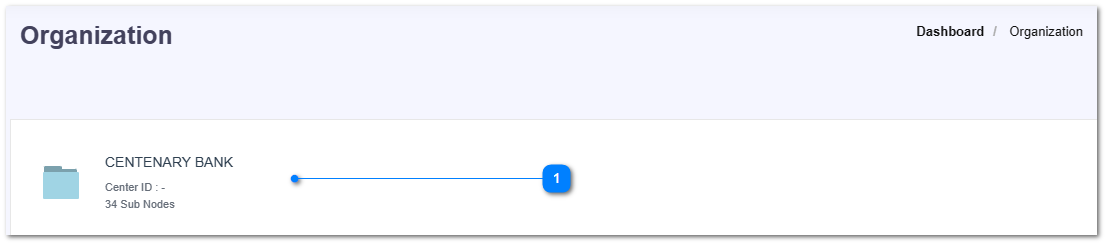
- Here is the organization name with the total number of sub nodes.
- Click on the organization name to go to the sub nodes inside it.
- Then you can see a list of sub nodes.
- Click on the New Organization Node button to create a new node.