Knowledge Assessment
Description
- This page is consisted of a list of all the knowledge assessments.
- Following figures will help you to understand all the components in this page.
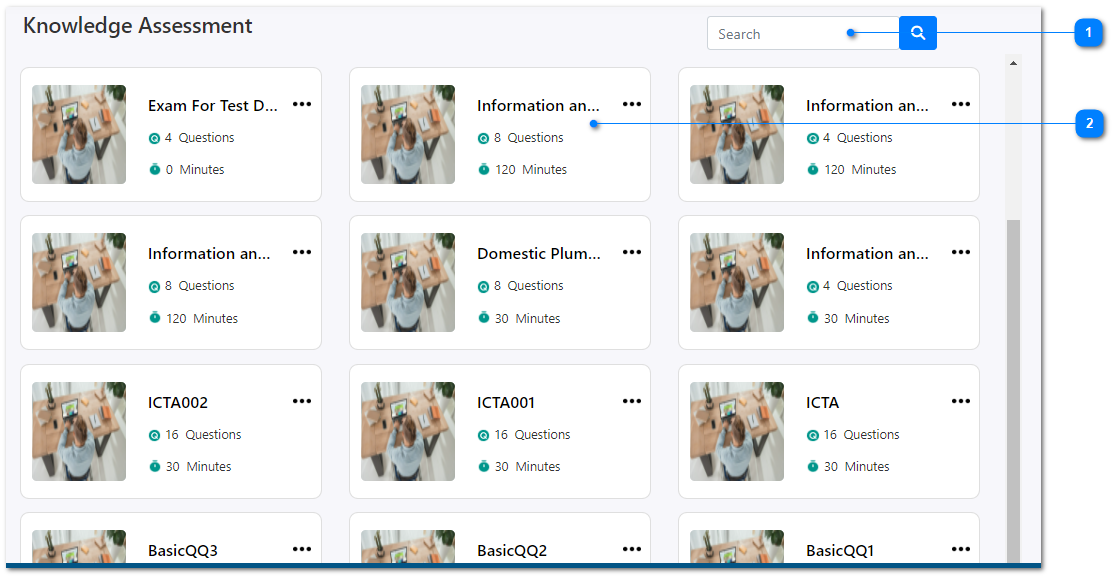
- You can filter the assessments by entering the test name at the top of the search functionality.
- You can view all the details of an assessment by clicking one of the test names.
There are 3 steps in viewing an exam.
Go to the next page of preview
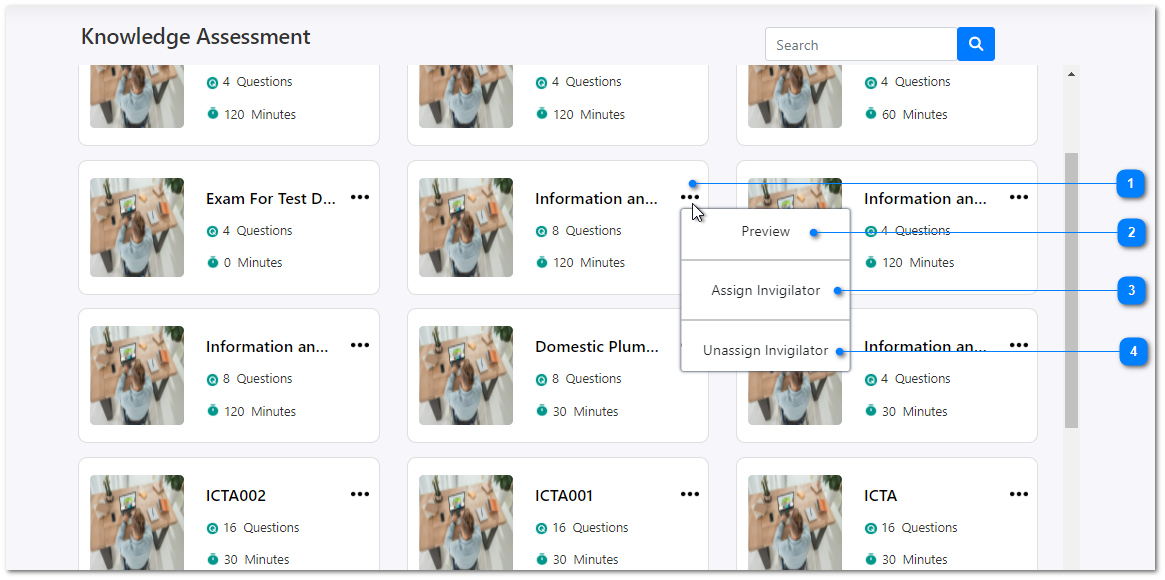
- Click on three dots icon on top of any assessment exam and it will open a sub menu like this.
- In the preview functionality, you can view all the details of an assessment in 3 steps as mentioned in this page.
- You can assign a new invigilator for the selected knowledge assessment exam and the system will send an email for the new invigilator that you assigned.
- You can also un-assign the previously assigned invigilators.